Signs you need automatic gates
- The gate will not open from the remote, keypad or intercom
- The gate opens but will not close, or closes and then reopens
- The gate stops halfway or short of fully open
- The gate reverses on its own with nothing in the way
- The gate stopped working after rain, a storm or a power outage
- The operator beeps, flashes an error or sounds an alarm
- A solar or battery gate works in the morning and quits later in the day
- The gate moves slowly, jerks or sounds strained
Quick checks before you call
Some automatic gate problems have a simple cause you can check safely without opening the operator. Do these, and if none of them fixes it, stop there and call us. Do not open the control box or work on wiring.
- Is there power? Check the breaker or GFCI outlet feeding the operator, and look for a power light on the control box.
- Try more than one remote and the keypad. If one works and another does not, it may only be a remote battery.
- Look at the photo eyes. Wipe the lenses, clear plants, spider webs and anything parked in the beam.
- Clear the path. Rocks, branches, mulch or a buried track can stop a gate and make it reverse.
- Solar systems: check whether the panel is shaded or dirty.
- If the gate stopped after a power outage, the operator may be running on a weak backup battery.
Why won't my automatic gate close?
A gate that opens but refuses to close is usually being told something is in the way. Automatic gates are designed to stay open or reverse whenever a safety device or a vehicle detector is active, which is exactly what you want when a person or car is in the path.
The most common culprits are a misaligned or dirty photo eye, a photo eye with a failed wire, a safety edge that is damaged or wet inside, a vehicle loop or loop detector stuck in the "detect" state, or an exit wand or probe that is reading a parked car. A stuck button on a keypad, intercom or remote can also hold the open command.
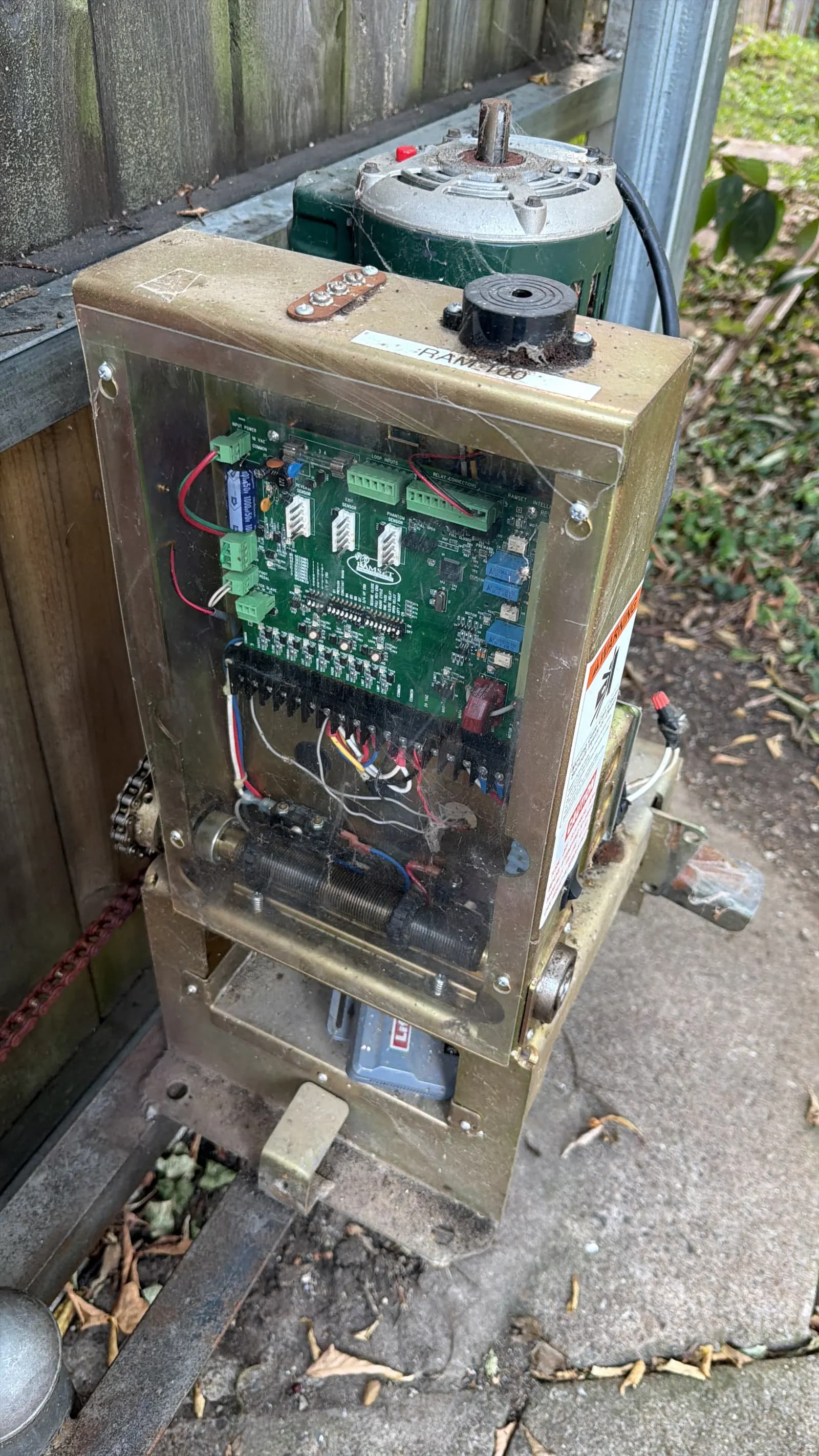
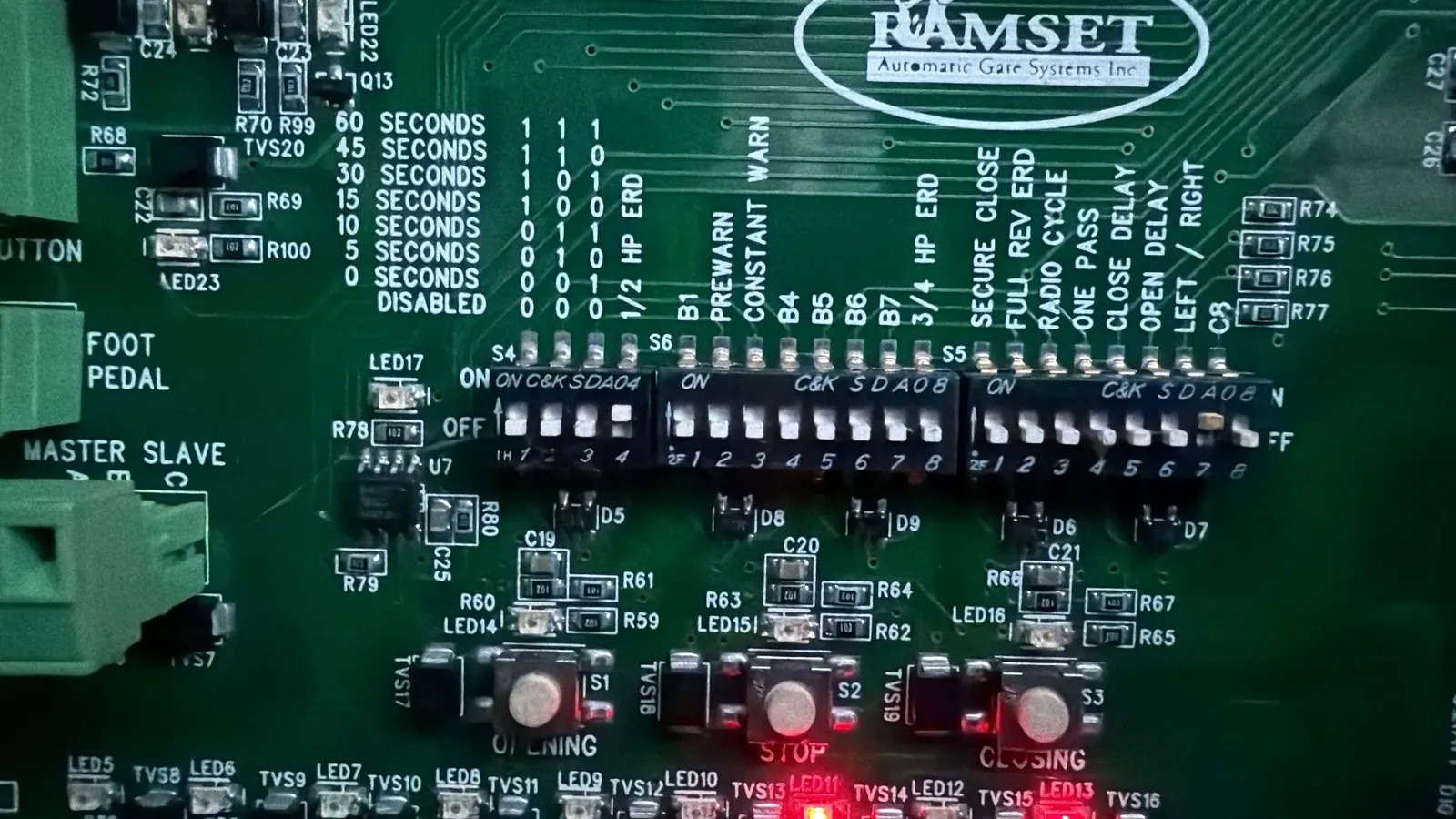
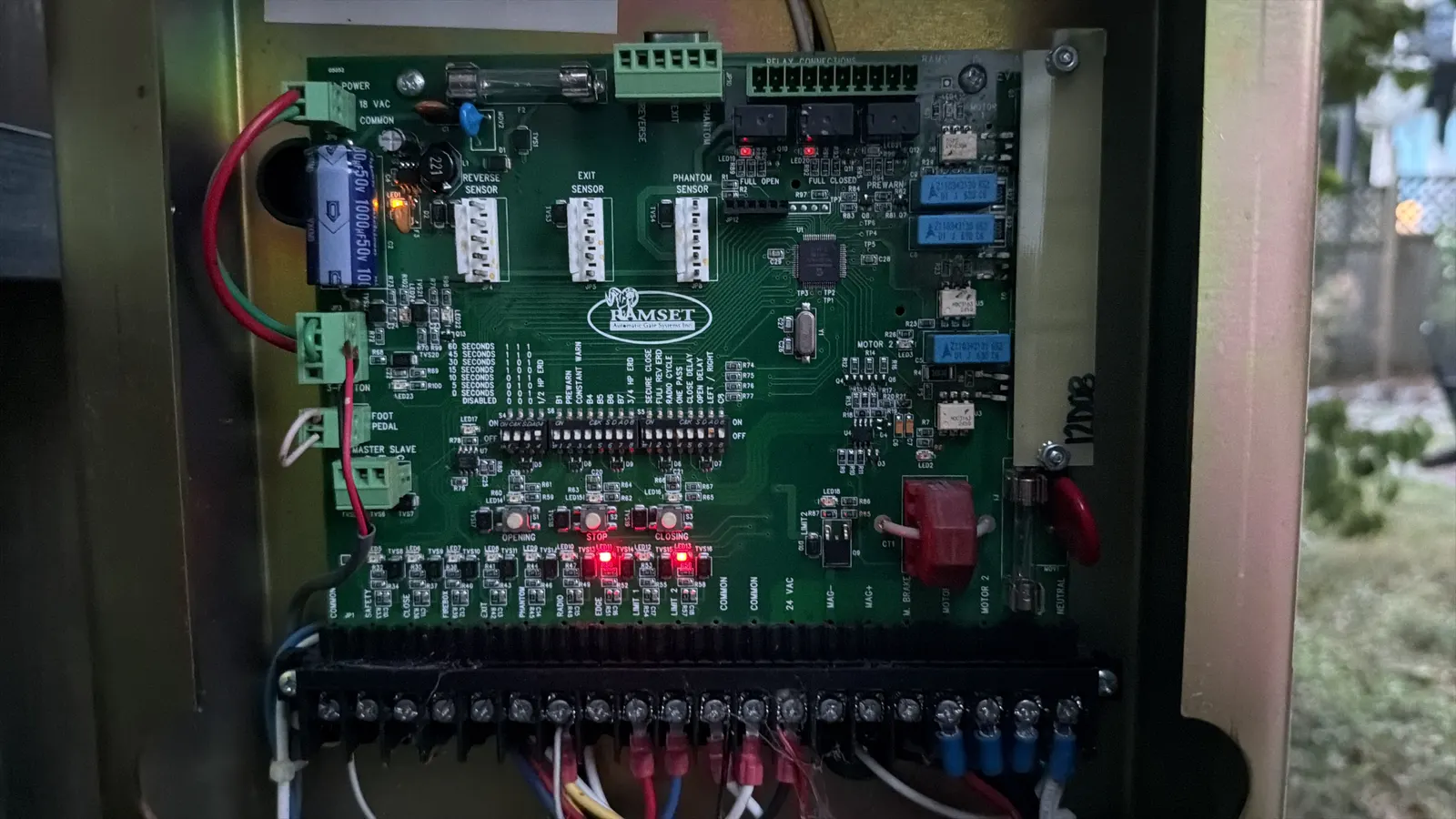
Less often, the close limit is set wrong or the auto-close timer was turned off. On many operators, an alarm or error code points to which input is active. Finding that input, and fixing why it is stuck, is the repair. Turning the device off is not.
Why does my gate stop halfway or reverse?
Gates stop or reverse partway for two main reasons: the operator senses too much resistance, or a safety device trips mid-travel.
Resistance comes from the gate itself. A sagging swing gate, a slide gate with a worn wheel or bent track, a binding hinge or a cantilever roller that has seized all make the motor work harder. When the load crosses the operator's force setting, its built-in obstruction sensing stops or reverses the gate. Turning up the force hides the problem and makes the gate more dangerous, so the fix belongs at the hinge, wheel or roller.
Mid-travel trips come from photo eyes knocked out of line by wind or landscaping, a loose wire that breaks contact as the gate moves, or a safety edge that touches something on its way. Gates that stop at the same spot every time often point to the gate hardware; gates that stop at random points often point to a sensor or wiring issue.
How do gate safety sensors and loops work?
Under the UL 325 standard, automatic gate operators must have entrapment protection at each area where a person could be caught. That protection typically includes an inherent system built into the operator that senses resistance, plus external devices such as photo eyes (non-contact sensors) or safety edges (contact sensors) mounted on the gate or posts. Current versions of the standard require external sensors to be monitored, meaning the operator checks that they are connected and working and will not run normally if one fails.
Vehicle loops are different. A loop is a wire buried in the driveway, connected to a detector that notices the metal of a car. Loops tell the gate a vehicle is waiting to exit, or that a car is still under the gate so it should not close. Cracked pavement, shifting soil and water in the saw cut can break a loop. We test loops and detectors with meters to separate a bad loop from a bad detector.
Photo eyes, edges and loops are what keep a gate from closing on someone. We repair or replace them; we never disconnect them.
Gate not working after rain, a storm or an outage
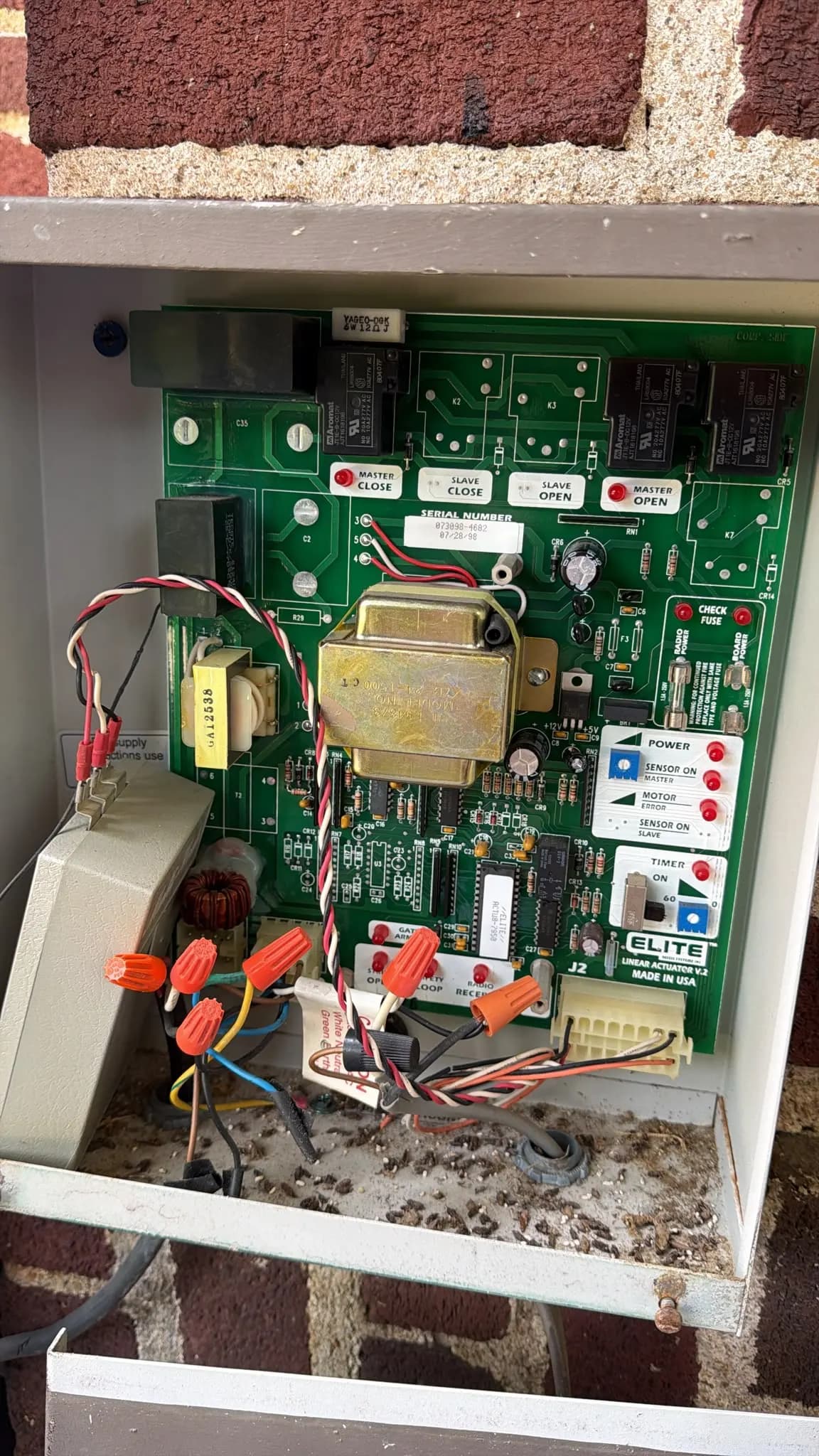
Water and electricity are a common pair in gate calls. Rain can get into a cracked photo-eye housing, a damaged safety edge, a keypad or a low control box. Standing water over a broken loop wire can make the detector read false. Lightning and power surges can damage control boards, loop detectors and the radio receiver even when nothing looks burned.
After a power outage, gates with battery backup can run until the battery is drained, then stop. Some will open and stay open as a fail-safe setting; others stay shut. If the battery is old, it may never fully recharge.
If your gate quit after a storm, check the breaker and look for obvious water, then call us. We test the board, the inputs and the battery, and we check the operator's surge protection and grounding while we are there. In lightning-prone areas, like Central Florida in summer, this is worth asking about.
Solar and battery-powered gate problems
Solar gate systems run from a battery that the panel recharges. When the gate works in the morning but quits in the afternoon, or fails after a few cloudy days, the cause is usually energy, not mechanics.
Common causes: a panel that has become shaded by growing trees, a dirty panel, a panel too small for how often the gate cycles, an aging battery that no longer holds a charge, or corroded battery terminals. Heavy accessories like keypads with backlights, intercoms or magnetic locks can also drain a small solar system faster than it recharges.
We test the battery under load, check the panel's charging output, and look at how many cycles the gate is making each day. Sometimes the fix is a new battery; sometimes it is a larger panel or a wired power run. For the operator itself, see gate opener repair.
When is it the operator and not the gate?
Release the operator using its manual release (your owner's manual shows how), then move the gate by hand. If it moves smoothly and stays where you leave it, the gate hardware is likely fine and the problem is in the operator or controls. If it drags, binds or swings on its own, fix the gate first. Our main gate repair page covers that hardware.
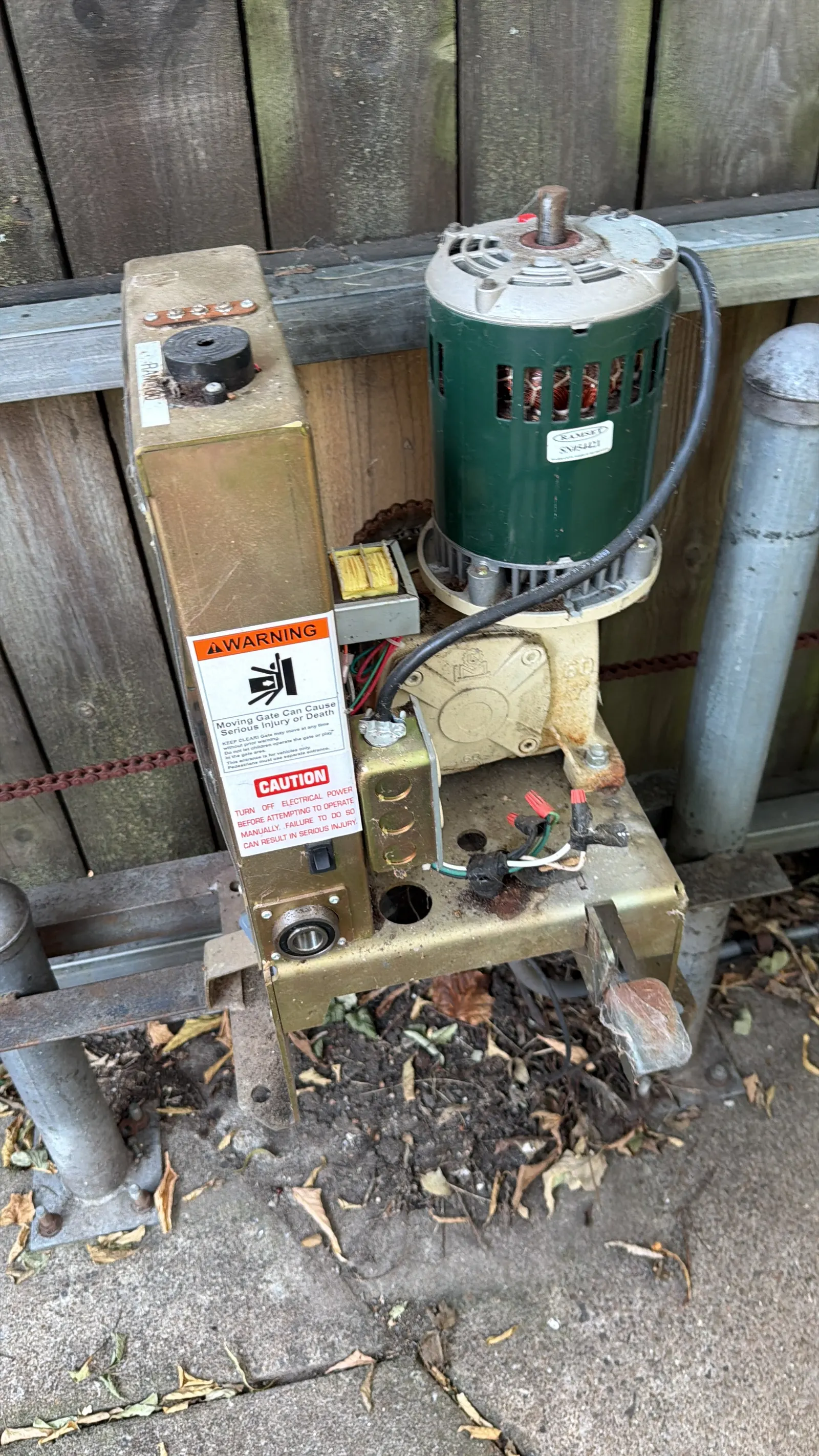
Operator problems include worn gears, a failing motor or capacitor, a slipping clutch, a loose chain or drive, failed limit switches and damaged control boards. Lock the gate in a safe position and keep people clear after releasing it. Large gates are heavy and can roll or swing unexpectedly.
If you manage a community or business gate, our commercial gate repair service includes preventive maintenance plans. We also serve Orlando and Nashville with local pages.
How the service works
- 1
Safe checks first
We ask about power, remotes and sensors on the phone so a simple fix is not a wasted trip.
- 2
Read the operator
We check error codes, inputs and the control board to see what the gate thinks is happening.
- 3
Test each device
Photo eyes, edges, loops, keypads and the battery are each tested on their own to isolate the fault.
- 4
Check the gate under load
We release the operator and test the gate by hand to find drag or binding that is overloading the motor.
- 5
Repair and verify reversal
We fix the fault, reset limits and force, and confirm every safety device stops and reverses the gate.