Signs you need access control
- Keypad buttons are worn, sticking or the display is dead
- The call box rings some residents but not others, or has no audio
- Residents' remotes or tags stopped working after a change
- Former residents or staff can still get in with old codes
- Visitors and deliveries wait at the gate with no way to reach anyone
- The gate will not open for exiting cars without a remote
- Your board or manager wants to manage access from a phone or computer
What is a gate access control system?
An access control system is the layer between people and the gate operator. It checks a credential, such as a code, a remote signal, a tag or an approved phone, and if it is valid, it sends an "open" signal to the operator. Better systems also log who came in and when, let you add or remove users without touching every remote, and handle visitors.
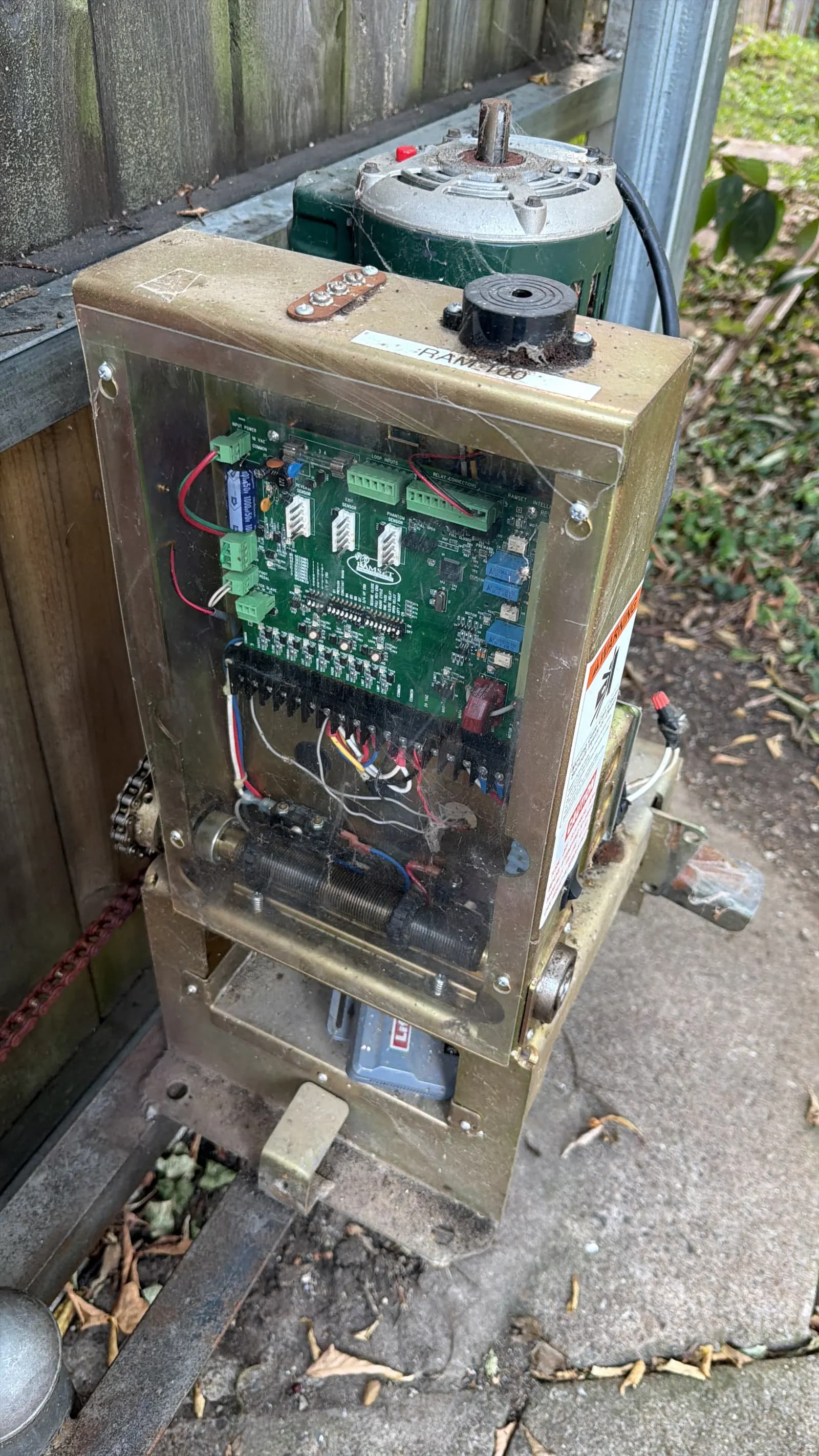
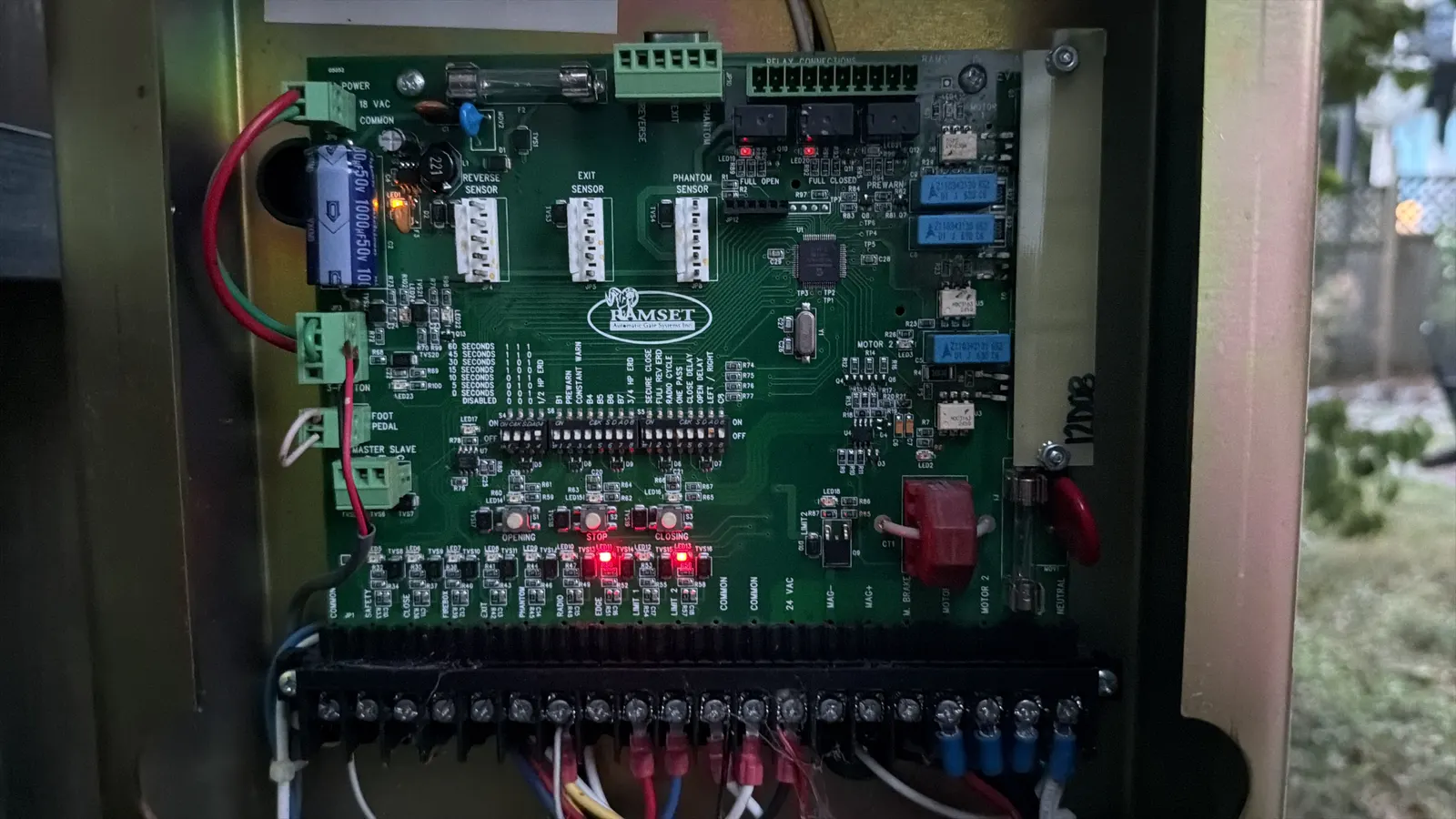
Every access device ends up at the same place: an input on the operator's control board. That is why access control and gate service belong together. A new intercom wired to the wrong input, or without the right relay, can leave a gate stuck open or ignoring commands. We set up both sides. If the operator is the problem, see gate opener repair.
Keypads, remotes and RFID: which credentials fit your gate?
Most gates use more than one credential, so each group of users gets the easiest way in.
- Keypads: simple and familiar. Standalone keypads hold a list of codes; networked keypads let you change codes remotely and see entries. Shared codes spread fast, so plan to change them.
- Remotes (clickers): convenient for residents. Rolling-code remotes are harder to copy than older fixed-code types. Lost remotes need to be removed from the receiver.
- RFID tags and cards: a windshield tag opens the gate as the car approaches, or a card is held to a reader. Each one can be turned off individually.
- Phone and app access: residents or staff open the gate from an app, and you add or remove users from a web dashboard.
- Exit devices: loops, wands or motion sensors that open the gate for cars leaving, so no one needs a credential to get out.
Telephone and video intercom entry systems
A telephone entry system, often called a call box, lets a visitor find a name in a directory and call the resident, who presses a key on their phone to open the gate. Older systems run on a phone line; many newer ones use cellular service or the internet, which helps where landlines are gone.
Video intercoms add a camera, so the resident sees who is at the gate before letting them in. For single homes, a video intercom can ring a phone app anywhere. For communities, a video call box can also record entries.
Common call box problems we fix: a dead phone line or failed cellular module, a directory that was never updated, a keypad worn smooth, weather damage to the speaker or camera, and a relay that no longer triggers the operator. When a system is old and parts are hard to find, we can recommend an upgrade that works with your existing operator.
Cloud and app-based gate access
Cloud access systems move user management off the gate and onto a website or app. The board, manager or homeowner adds a user, sets the times they are allowed in, and removes them when they move out, without anyone visiting the gate. Entry logs live online, which helps when an incident needs to be checked.
What to think about before you switch: the gate needs a reliable internet or cellular connection, and you should know what the gate does if that connection drops. Most systems keep working locally for codes and tags already stored. Many cloud systems also carry a subscription. We will walk through those trade-offs with you before you choose.
Cloud systems still connect to the gate operator through a relay, so the operator's own safety devices stay in charge of whether the gate actually moves. Remote access should never be a way around photo eyes, edges or loops.
How do vehicle loop detectors work?
A vehicle loop is a loop of wire set in a narrow saw cut in the driveway, sealed, and connected to a detector module in the operator. When a car's metal sits over the loop, the detector notices and sends a signal.
Loops do different jobs depending on where they are. An exit loop opens the gate for cars leaving. Safety or reversing loops on each side of a swing gate's path, or under a slide gate, keep the gate from moving while a car is in the way. A shadow loop holds a swing gate still while a car is in its swing path. On a barrier arm, a loop under the arm keeps it from coming down on a car.
Loops fail when pavement cracks or shifts, sealant breaks down and water gets in, or someone cuts through the loop during other work. Detectors fail from surges and age. We test both to find which one is bad. If your gate will not close because a loop thinks a car is there, our automatic gate repair page covers that problem.
HOA gate access and visitor management
For HOAs and gated communities, access control is as much about people and process as hardware. The questions we help boards answer:
- How do residents get in? Tags or remotes for cars, codes or fobs for walk gates, app access as an option.
- How do visitors get in? A call box with an up-to-date directory, temporary codes, or pre-registered guests.
- How do deliveries and contractors get in? Time-limited codes or schedules instead of one shared code that never changes.
- How do emergency vehicles get in? Many local fire departments require a specific access method, such as a key switch or a siren-activated or strobe-activated sensor. Check with your local fire marshal.
- Who manages the list? A clear owner for adding and removing residents keeps old credentials from piling up.
- What happens in an outage? Battery backup and a fail-safe or fail-secure setting chosen on purpose.
Upgrading an existing gate's access control
Most upgrades do not need a new gate. A new keypad, call box, tag reader or cloud controller can usually be wired into the operator you already have, as long as the operator is in good shape and has the right inputs. We check the operator first so a new access system is not hooked to a failing machine.
Common upgrade paths we see: a worn standalone keypad replaced with a networked one, an old phone-line call box replaced with a cellular or video unit, shared remotes replaced with individual tags that can be turned off one at a time, and a pedestal moved so drivers can reach it without leaving the car.
For a new gate project, we plan access during gate installation so conduit and loop cuts go in once. For properties with several gates, see commercial gate repair for service plans that cover gates and access hardware together.
How the service works
- 1
Understand your users
Residents, visitors, deliveries, staff, emergency access: who needs in, and how often.
- 2
Check the gate and operator
We confirm the operator is healthy and has the inputs the new access system needs.
- 3
Recommend a system
Credentials, call box or intercom, cloud or local management, and loops, with the trade-offs explained.
- 4
Install and program
We mount, wire and program the system, load users or codes, and connect it to the operator correctly.
- 5
Test and hand off
Every credential, loop and safety device is tested, and we show your manager or board how to add and remove users.